For listing agents and property managersFor sales agents and property managersFor estate and letting agents
List before you leave.
Shoot the home on your phone. Glisten does the rest: bright, show-ready photos, MLS remarks written and fair-housing checkedyour listing description written and compliance checked, every photo numbered for upload. Your whole listing, ready before you pull out of the driveway.
No card. No app to download. Then from $39 a listing.
 Sloane
AI listing assistant
The whole listing, not just the photos
From front door to MLS-readylisting-ready. One phone.
Watch one listing go from walk-through to ready-to-paste. Tap any step.
Demo of the Glisten app. Tidy-up is launching soon.
And we're behind every listing.
The Glisten app
Shoot on your phone. Finish anywhere.
Every photo and every word saves to your account as you go. Finish the listing on your phone, or tap Send to my computer and pick it up at your desk: same listing, full-size photos, ready to paste.

Scan to get it on your phone.
Free to install, straight from your browser. How the app works
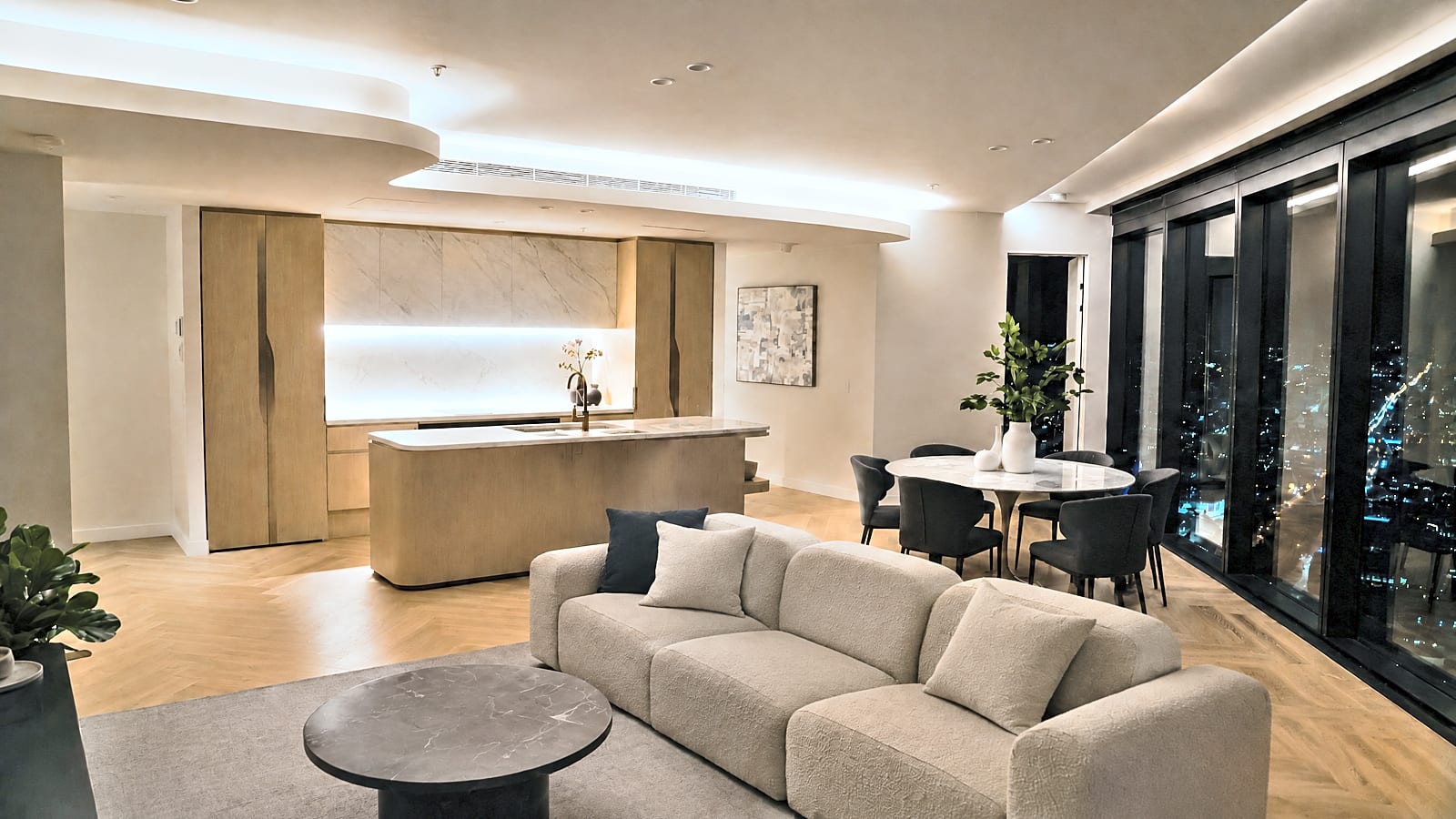
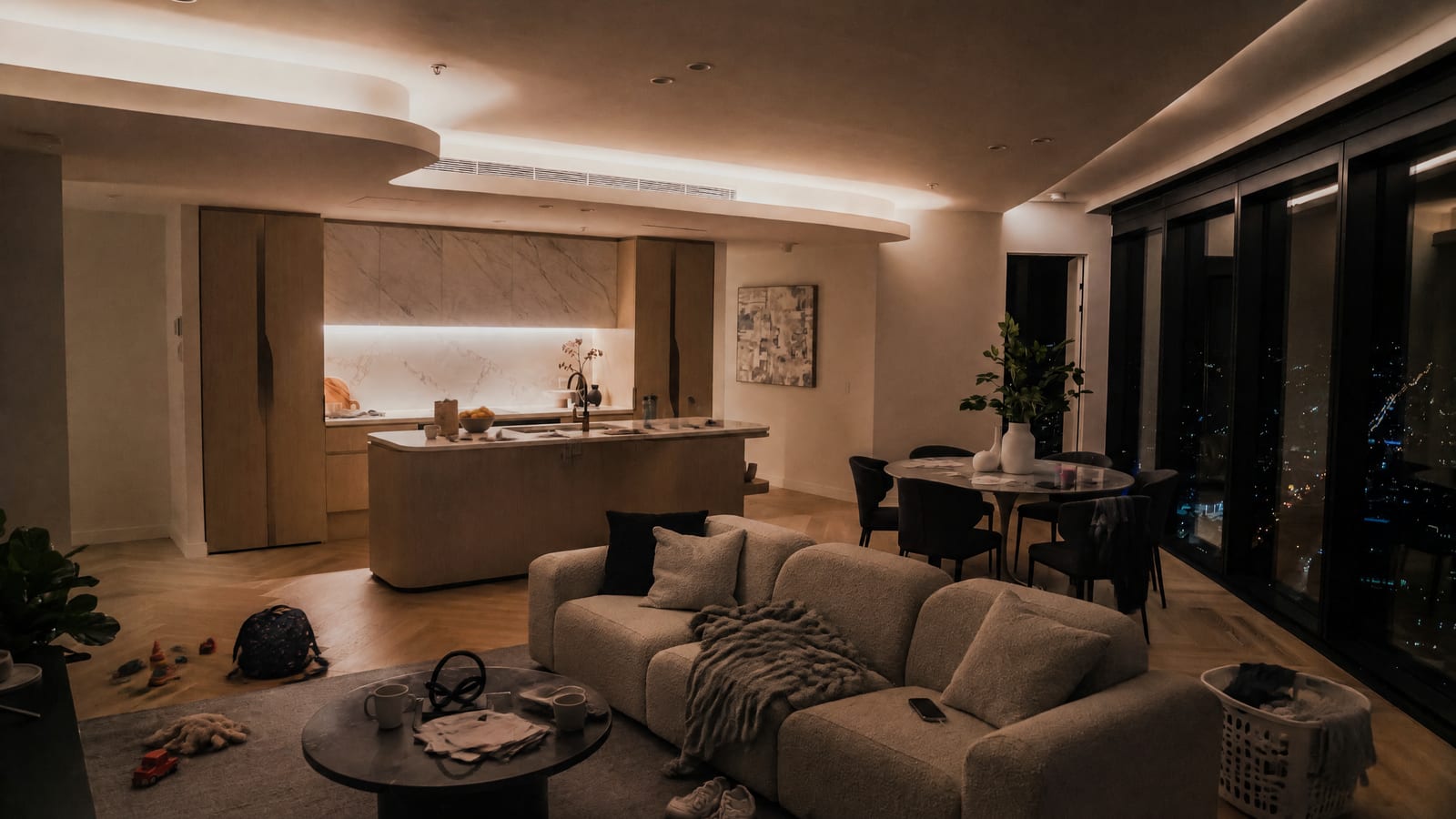
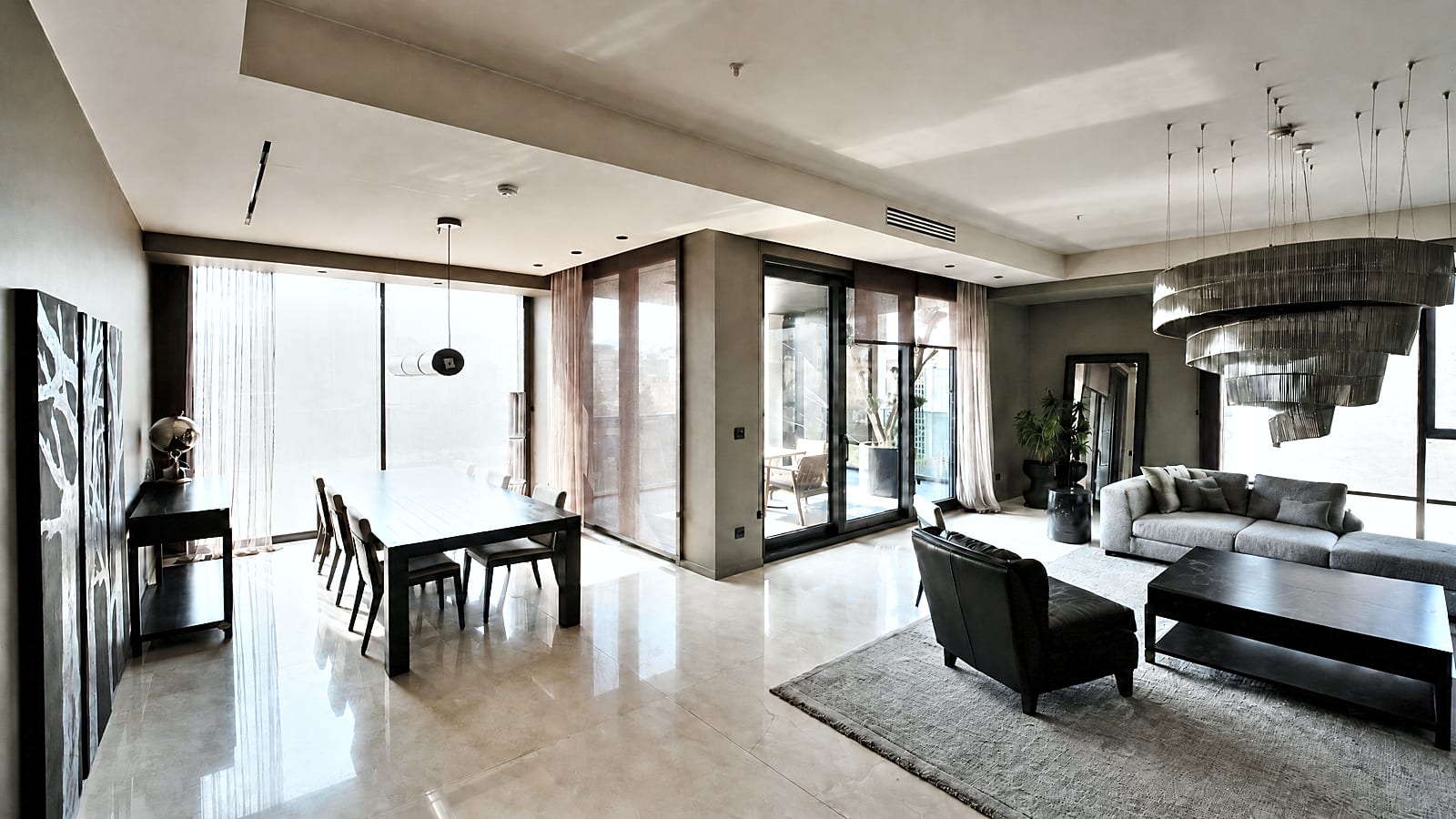
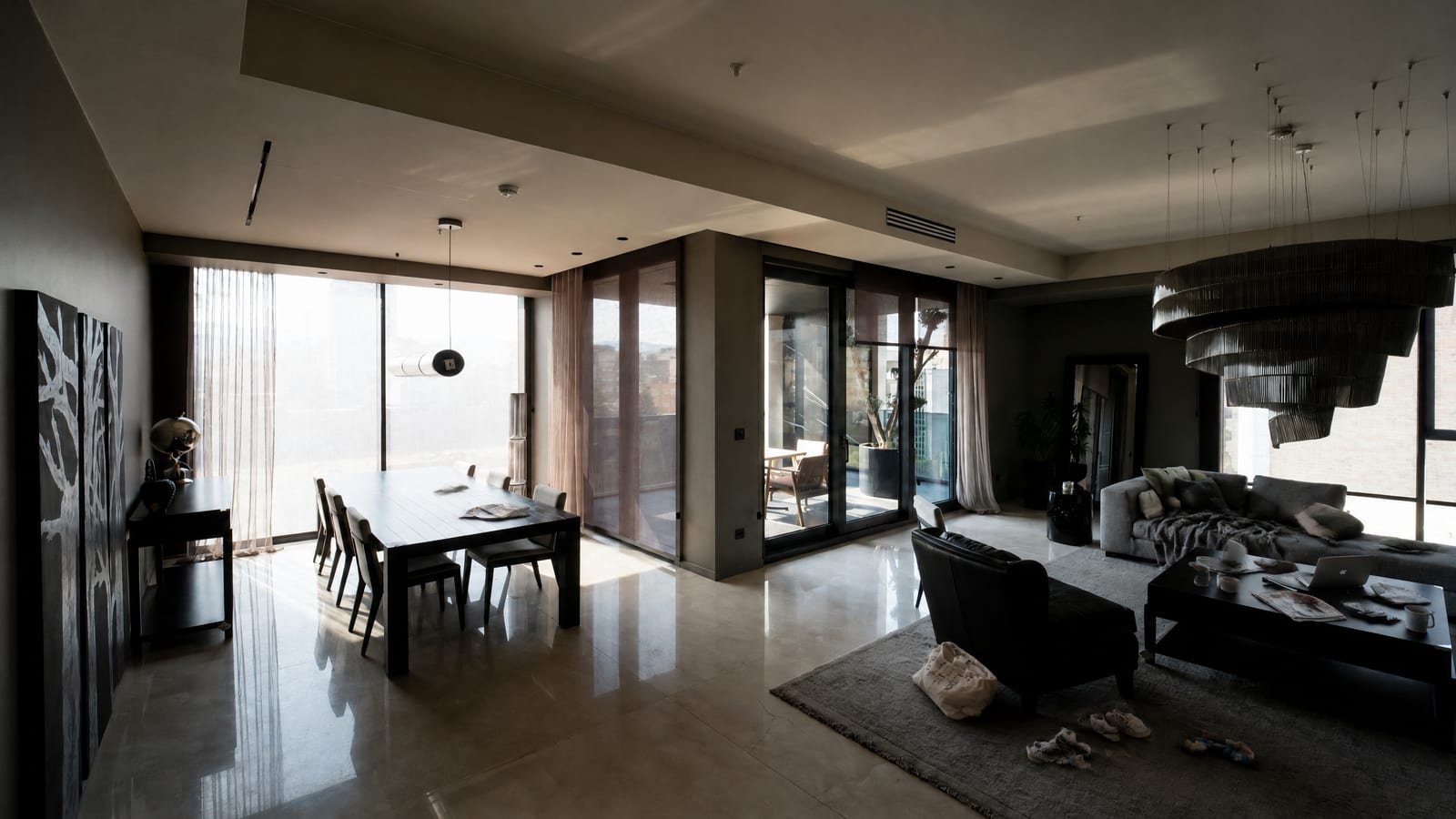
Same home. Show-ready.
Drag to compare. Clutter in the first five photos was added digitally for this demonstration, then removed by Glisten tidy-up (launching soon) and brightened. Tidy-up is included with every listing, up to 10 photos. The bedrooms were really that messy.
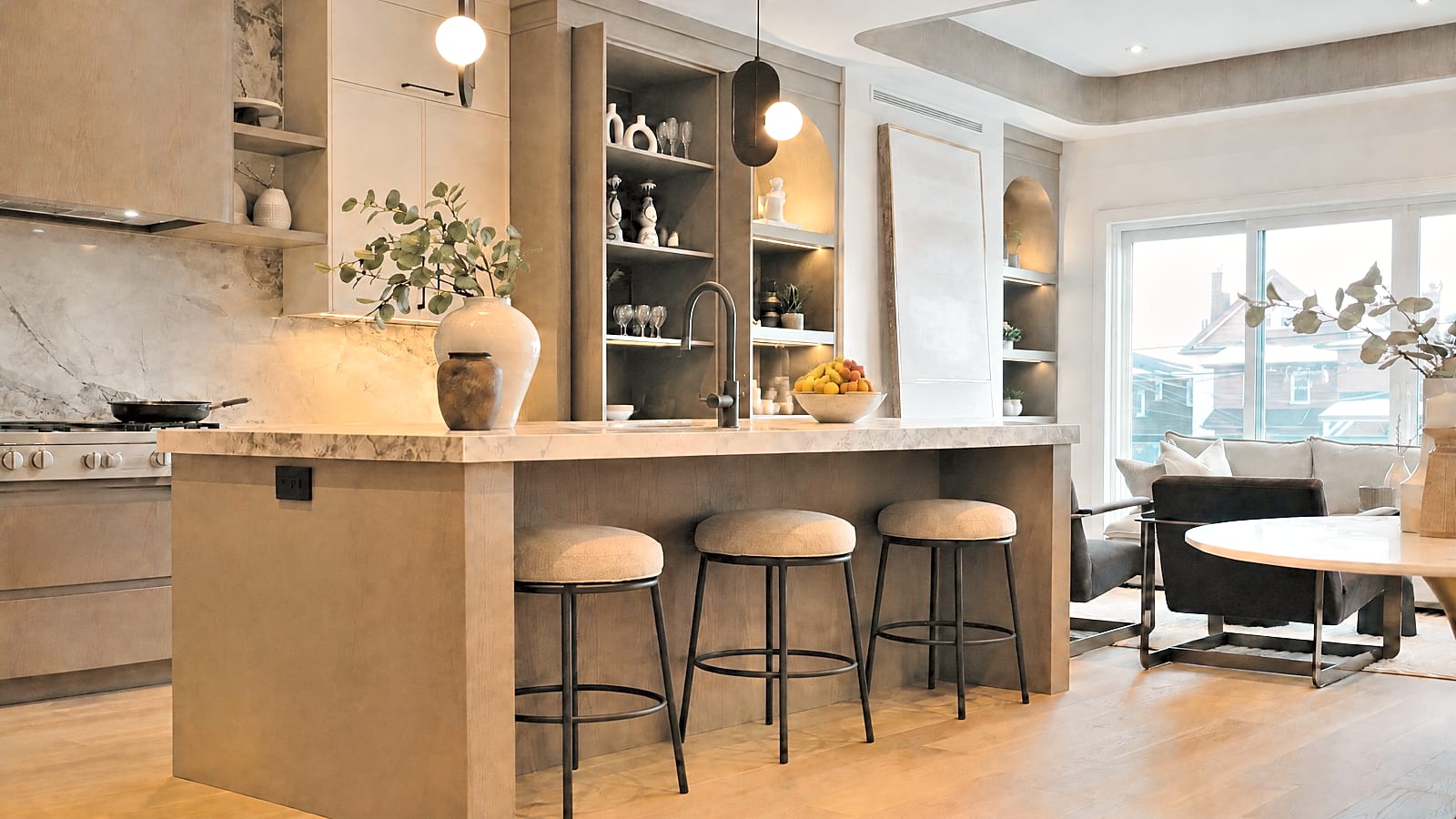
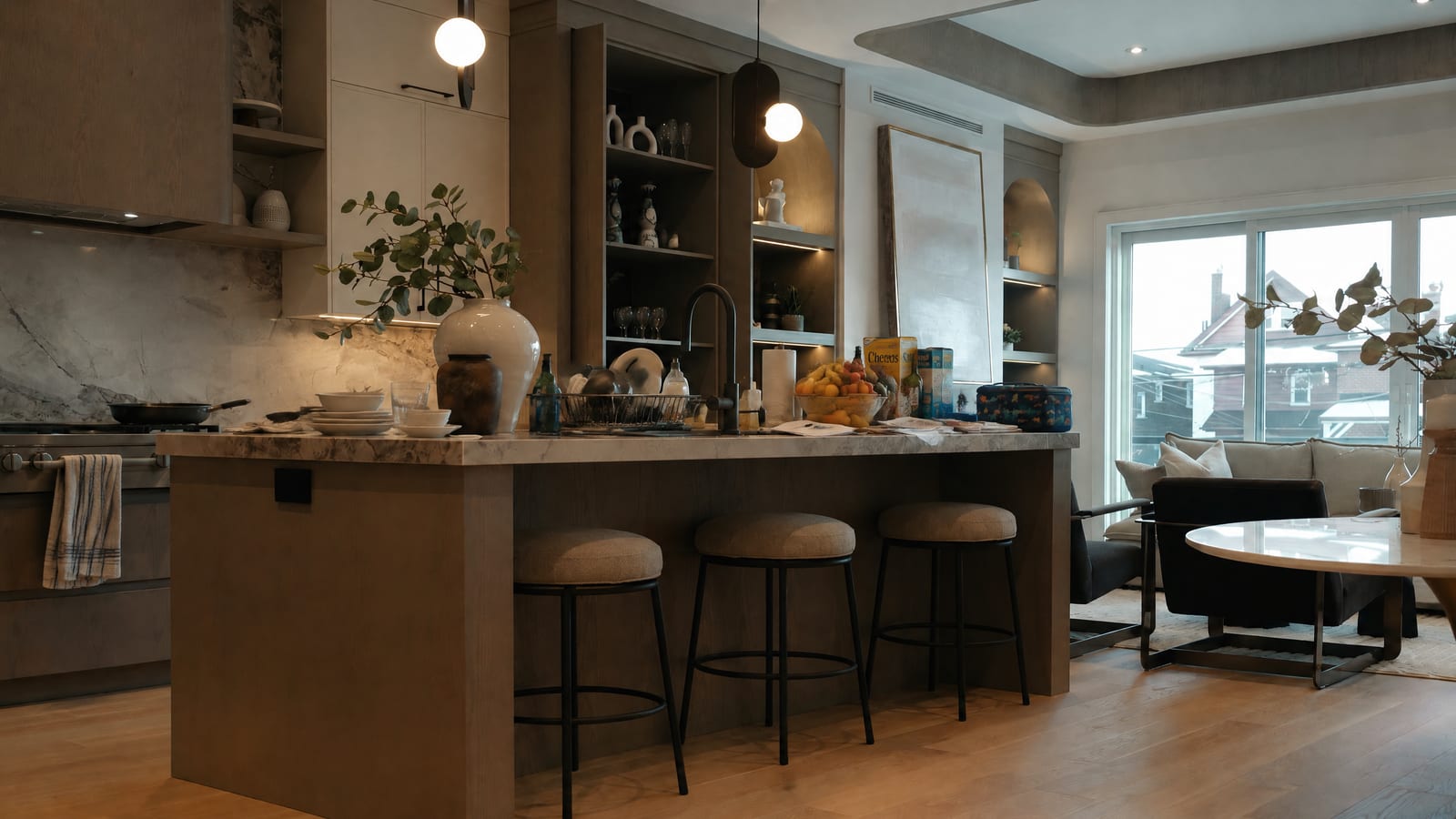
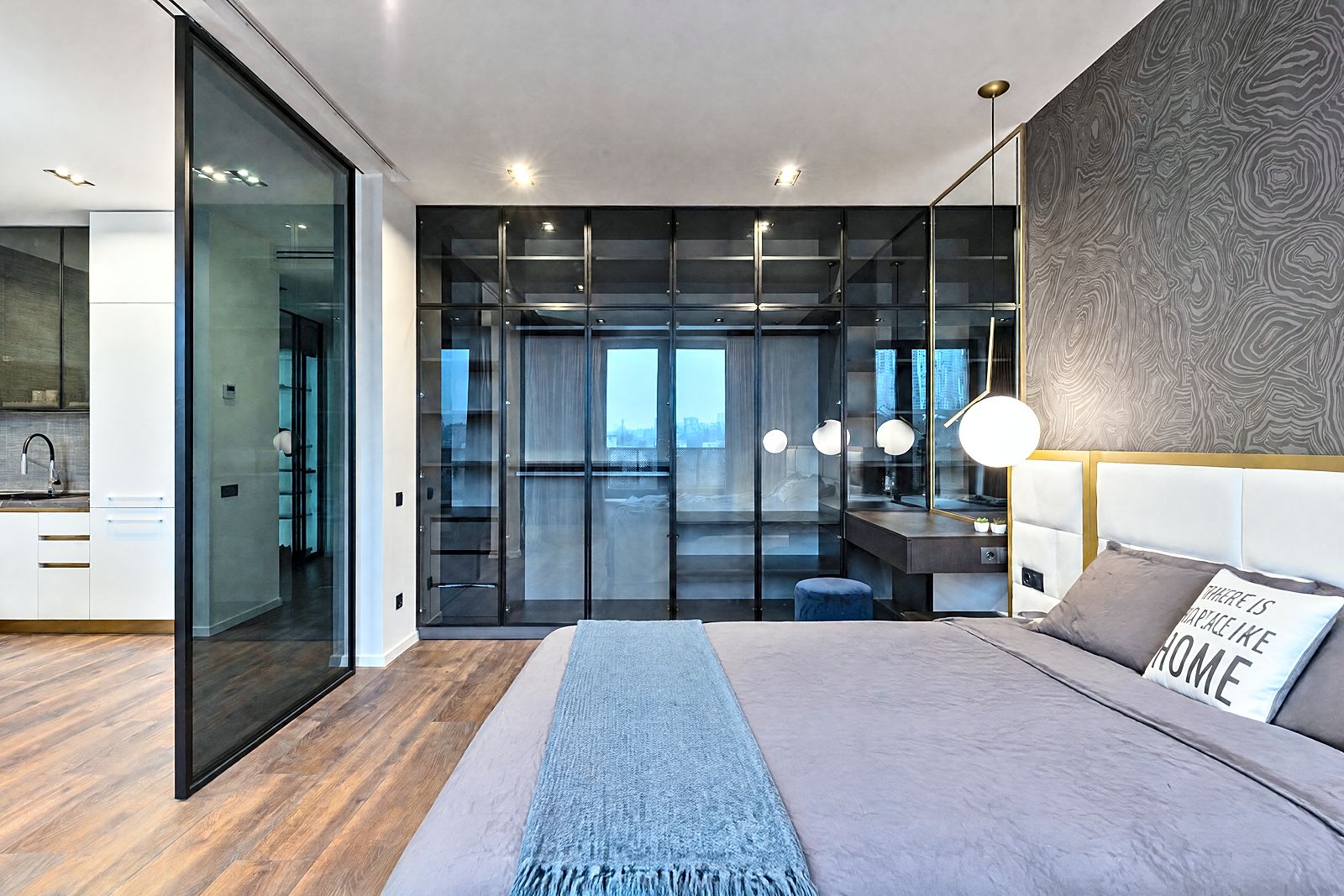
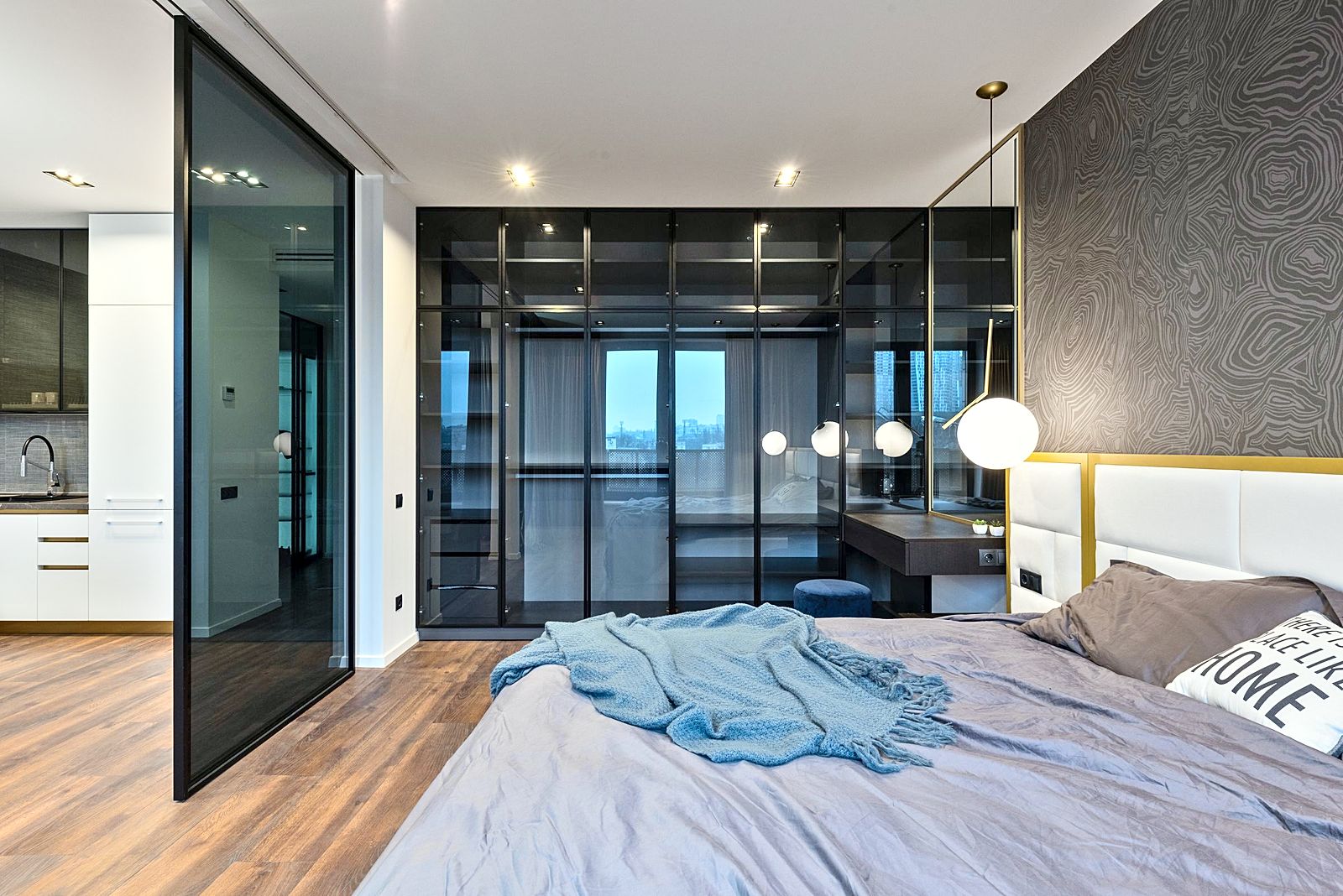
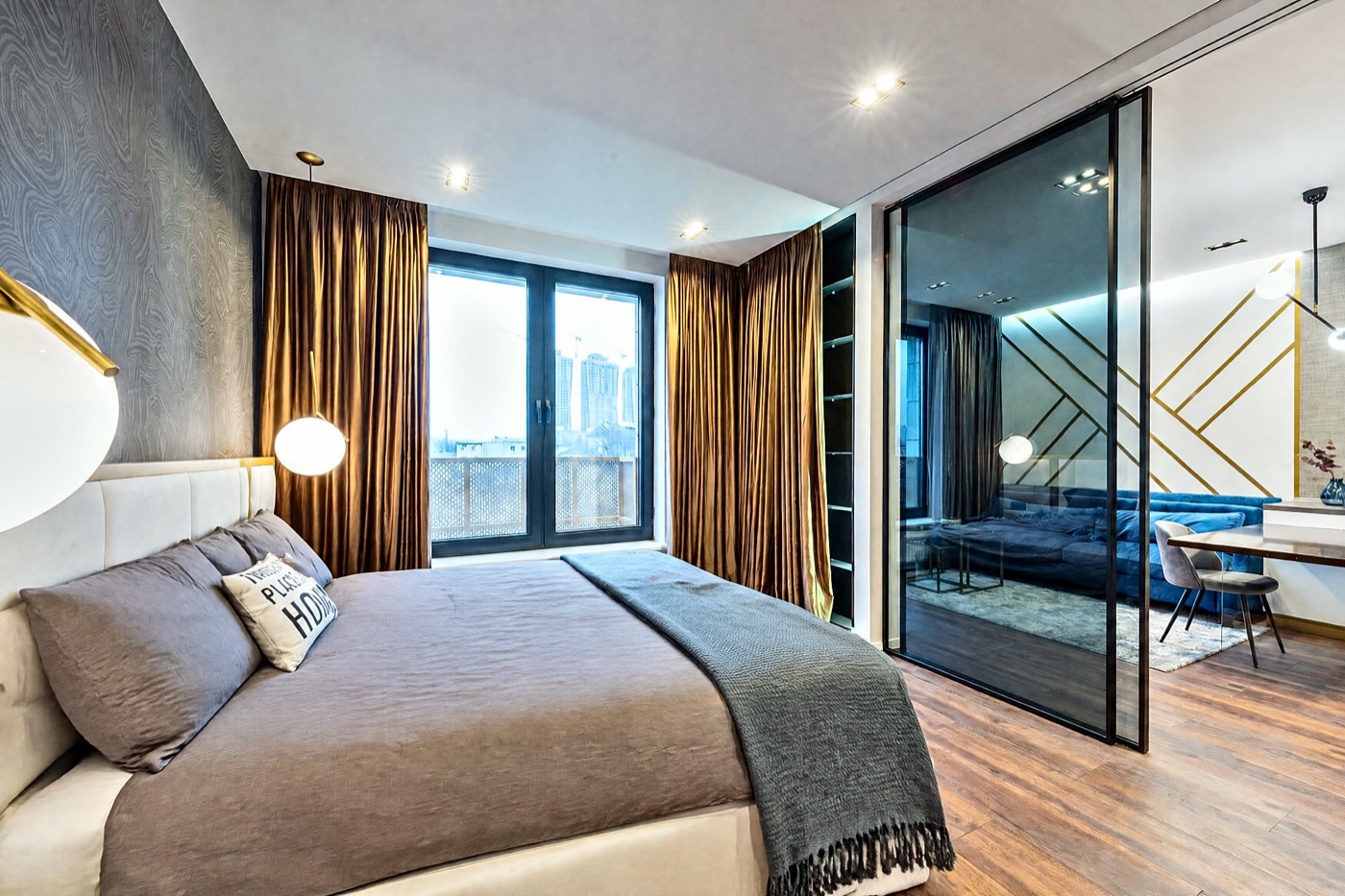
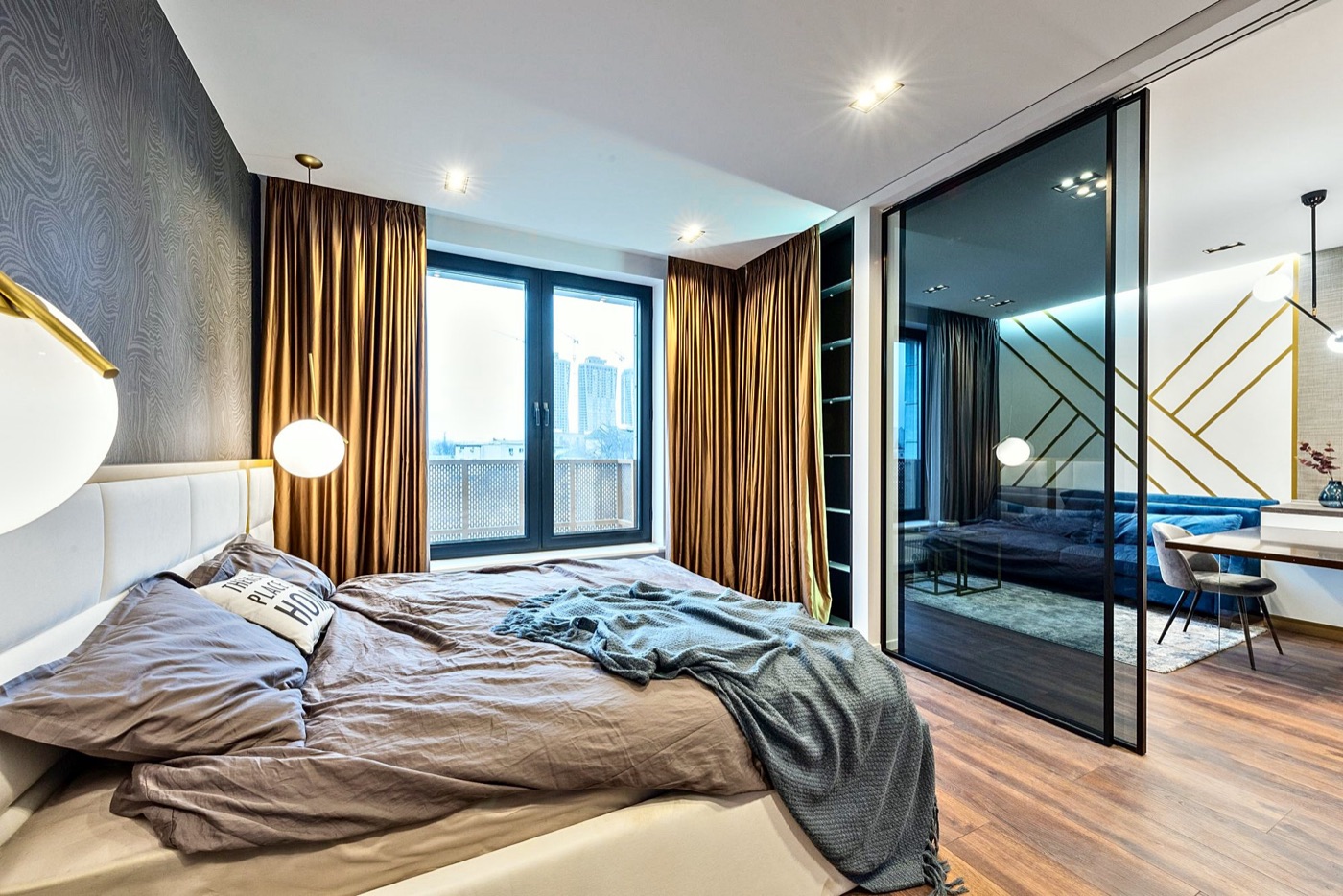
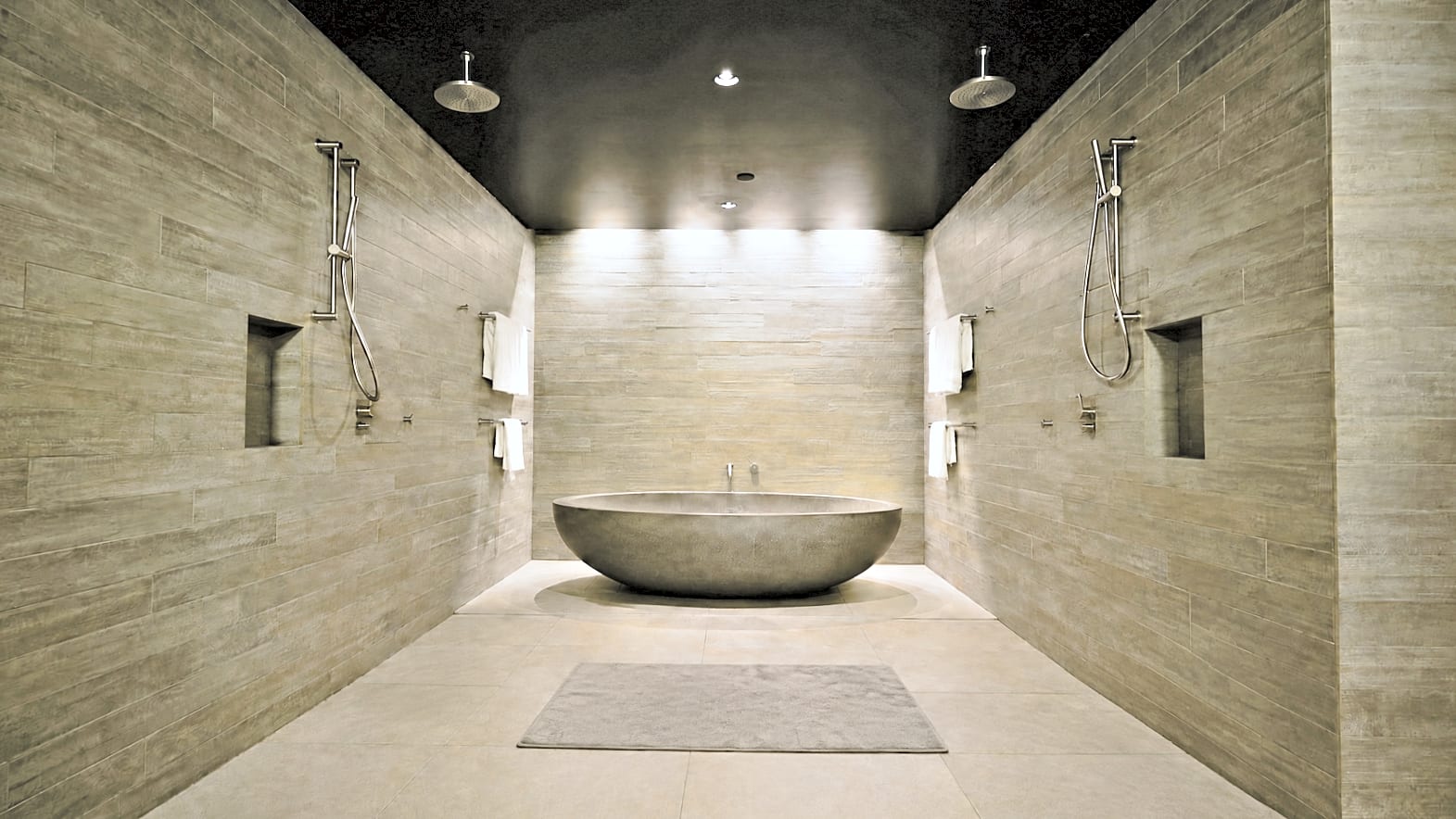
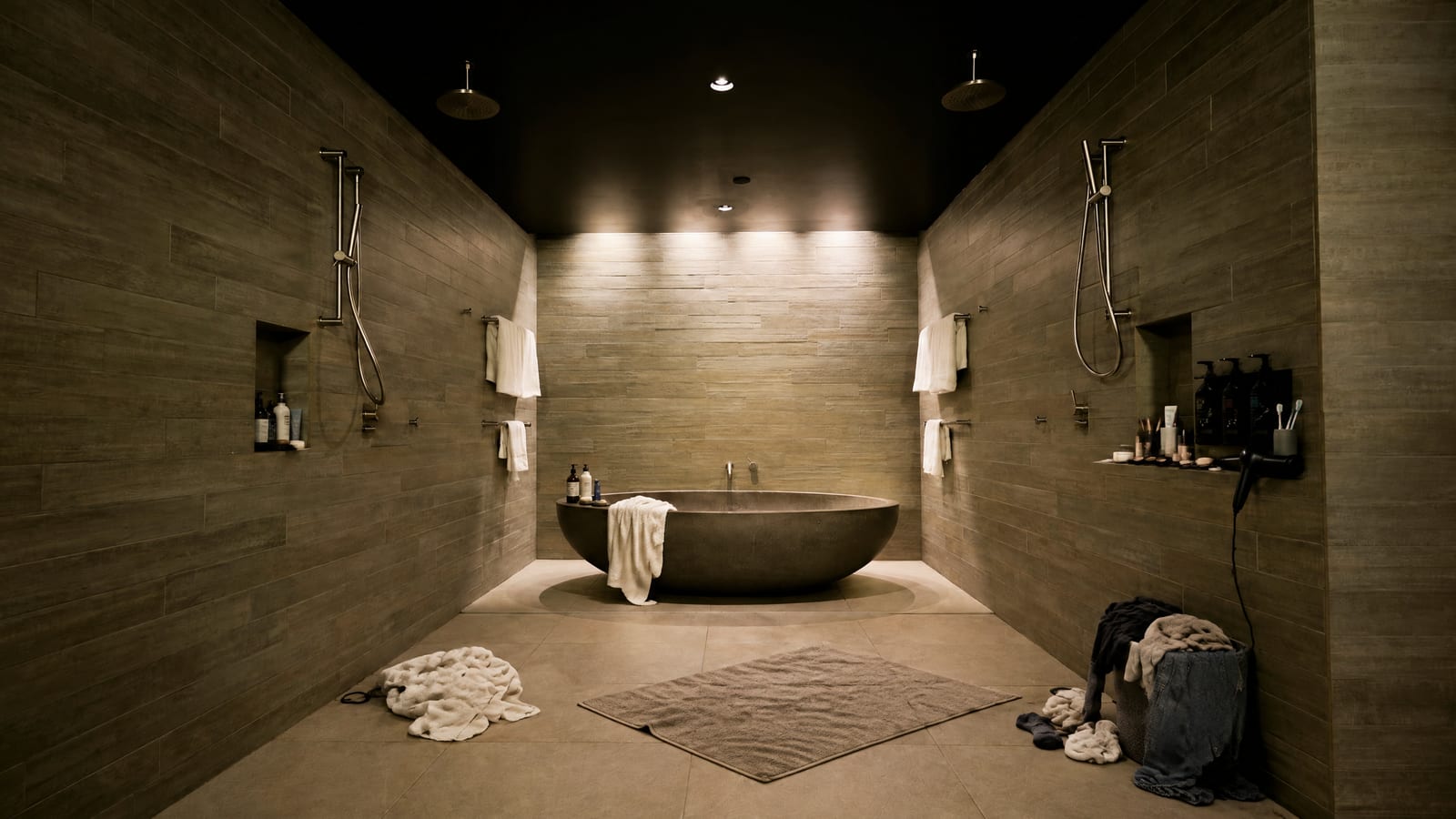
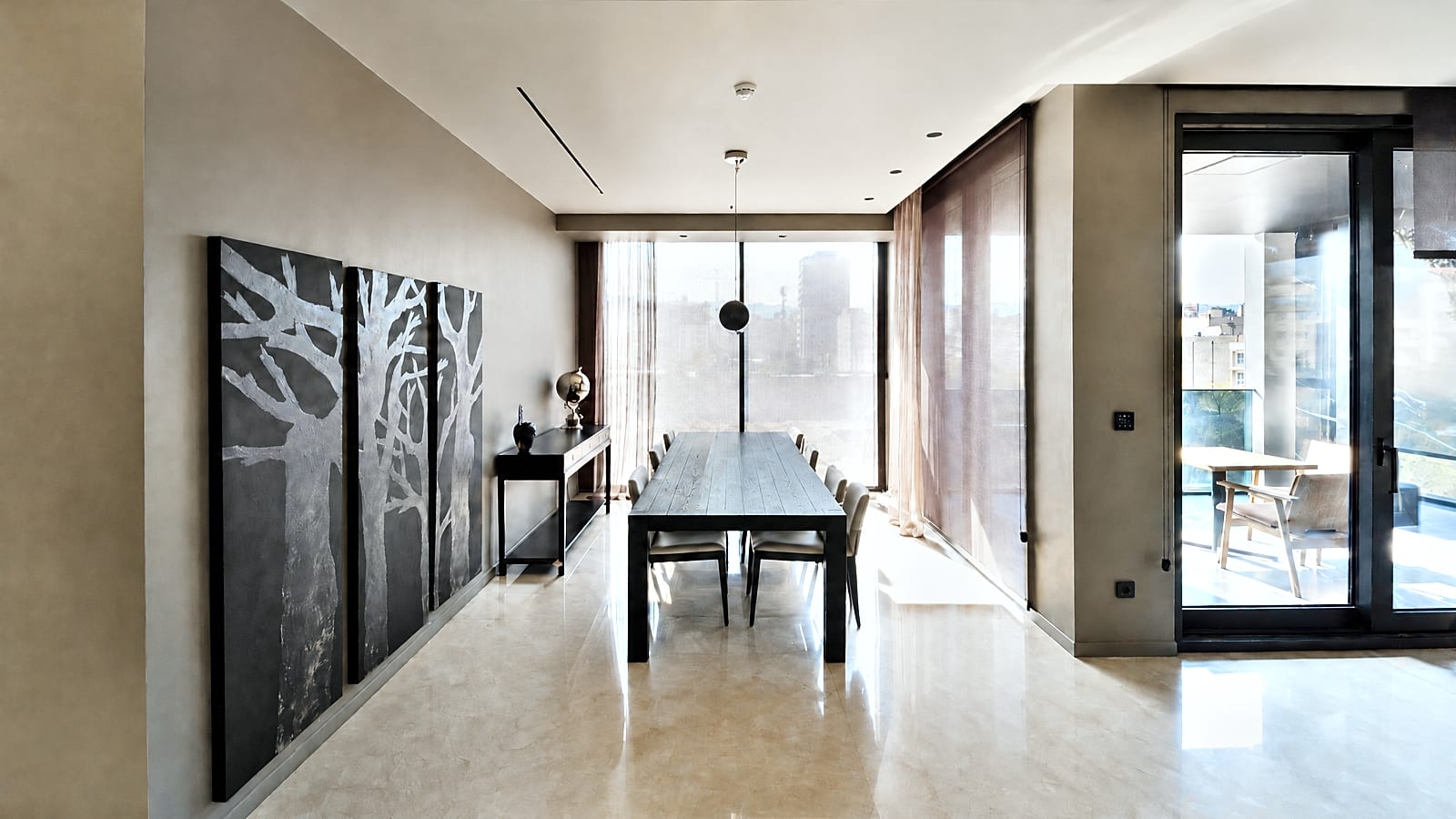
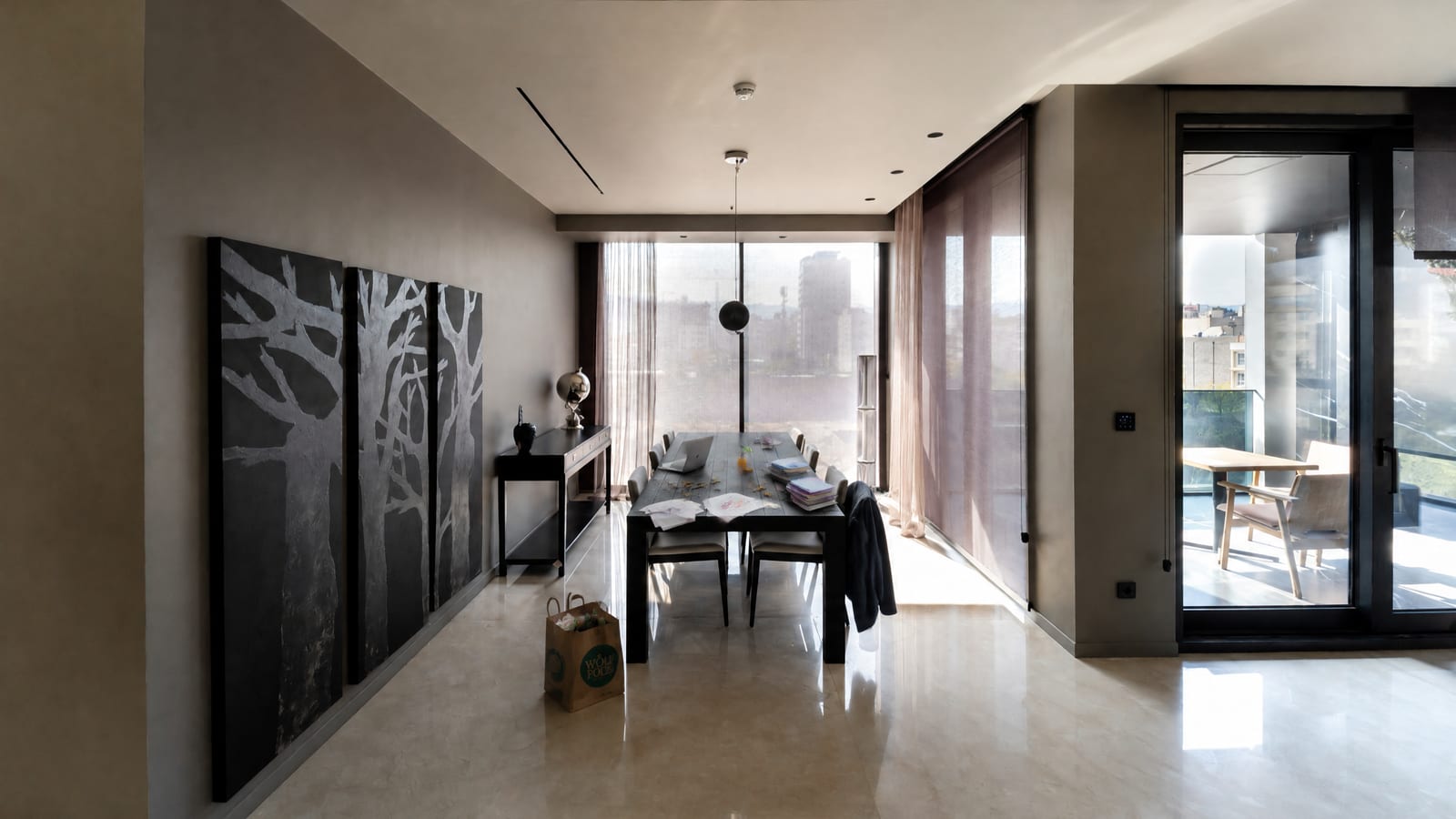 Virtually tidied — see original
Tidied, never faked.
- Brightness, color and straightening by default: no label needed
- Tidy-up clears clutter only; never walls, floors, fixtures or damage
- Tidied photos come labelled "Virtually tidied — see original", with a link to the original
- Built for California's AB 723 and MLS photo rules, so you stay compliantBuilt for realestate.com.au's rule on AI-edited images and the Australian Consumer LawBuilt for UK consumer-protection law (DMCC Act 2024) and Propertymark's advice on altered images
- Remarks checked line by line for fair-housing wordingCopy checked line by line for discriminatory wording and unsupported claims
What every listing includes.
The same on every plan and pack. One listing is one property.
Up to 60 photos edited
Full-size: light, color, straightening, sharpening. Nothing added, removed or moved (California AB 723). Each with its list of edits.
MLS-ready filesUpload-ready files
One zip of JPEGs, up to 3,000 px on the long side, numbered 01, 02, 03 in your order for MLSportal upload. You pick the cover.
MLS remarks and a headline
Public remarks up to 1,000 characters (counted for you) and a headline up to 80, opening with what matters.
A listing description and headline
A portal description (counted for you) and a headline up to 80 characters, opening with what matters.
A property description and headline
A portal description (counted for you) and a headline up to 80 characters, opening with what matters.
Description, features, captions
A website description, 6 to 12 feature bullets and three social captions. Only what your facts state or the photos clearly show. Square feet first, metric beside.
A fair-housing check
Every line is checked for words that describe people instead of the property. Anything flagged goes on a "please check" list with the reason.
A compliance check
Every line is checked for discriminatory wording and for claims your facts don't support. Anything flagged goes on a "please check" list with the reason.
One-click copy
A Copy button on every field, to paste straight into your MLSCRM or portal. 2 free rewrites if the facts change.
Full details and prices: one listing $39, 3 for $99, 10 for $299, or monthly from $39.
Skip the photographer wait.
| Photographer | Phone + ChatGPT | Glisten | |
|---|---|---|---|
| Cost | $150–$350 a shootPaid per shoot | Free, plus your evening | From $29.90 a listing |
| Ready | Booking, then 24–48 h edits | When you get to it | Before you leave |
| Messy rooms | Seller cleans first | Seller cleans first | Tidied and labelled (soon) |
| MLS remarksListing copy | Not included | Generic, unchecked | Written and fair-housingcompliance checked |
Typical US prices, November 2026. Shoot prices vary by area.Shoot prices vary by area. Glisten prices are in US dollars.
Pay per listing. Or by the month.
One listing
$39Try it on a real listing.3 listings
$99$33 a listing.10 listings
$299$29.90 a listing.Credits never expire. Listing every month? Agent $39 a month for 2 listings, Pro $99 a month for 6. See all pricing
Your AI listing assistant
Meet Sloane.
I'm Glisten's AI listing assistant. Ask me anything about your photos, your listing copy or what it costs, any time, day or night.
Sloane is an AI, not a person or a licensed agent, and her answers aren't legal advice. Please don't share personal details. Want a person? Email hello@glistenhq.com.

Questions agents ask.
Can it post my listing to Zillow, Realtor.com or Redfin?
Not directly. There's no public way for an app to post an agent's listing straight to Zillow, Realtor.com or Redfin: they take listings from your MLS (syndication). So we make it MLS-ready: one-click copy for each field and one photo download, sized and numbered in order for MLS upload. Put it in your MLS once, and Zillow, Realtor.com and Redfin pick it up from there.
Can it post my listing to realestate.com.au or Domain?
Not directly. Listings go up through your CRM or the portal's agent admin, so we make everything ready to paste: one-click copy for each field and one photo download, numbered in order for upload. Put it in once, and it's live on realestate.com.au and Domain.
Can it post my listing to Rightmove or Zoopla?
Not directly. Listings go up through your CRM or the portal's agent admin, so we make everything ready to paste: one-click copy for each field and one photo download, numbered in order for upload. Put it in once, and it's live on Rightmove, Zoopla and OnTheMarket.
How many photos, and what copy?
Up to 60 photos a listing, all edited full-size. The copy is MLS public remarks (up to 1,000 characters)a portal description, a headline, a website description, 6 to 12 feature bullets and three social captions. Everything that's included.
Do you use AI on the photos?
Light, color, straightening and sharpening are fixed steps, the same kind a photographer makes in an editing app, and they run in your own browser. No AI changes those photos. Tidy-up (launching soon) is the one place AI edits a photo: only when you choose it, only to clear loose mess, and every tidied photo is labelled "Virtually tidied — see original" with your original included. AI also writes the copy, from your facts and what the photos clearly show.
Do I need to disclose the edits under California's AB 723?
AB 723 lists lighting, exposure, white balance, color correction, sharpening, straightening and cropping as edits that do not make a photo "digitally altered". Those are the edits Glisten makes by default, and they need no label. Tidy-up does count as altered, so tidied photos come labelled "Virtually tidied — see original", with a link to the original as the law requires. Each photo's edit list is in your download if anyone asks. Your broker has the final say on your own compliance.
Do I need to label edited photos in Australia?
Not for light, colour and straightening: those are routine edits. Tidied photos are different. realestate.com.au requires AI-edited images to be clearly disclosed on or next to the photo, so every tidied photo comes labelled "Virtually tidied — see original", with your original included. Under the Australian Consumer Law a photo must never mislead, so tidy-up only clears loose mess and never touches the property itself. Your agency has the final say on your own compliance.
Do I need to label edited photos in the UK?
Not for light, colour and straightening: those are routine edits. Under the DMCC Act 2024 a listing photo must never mislead, and Propertymark advises labelling AI-altered images. So tidy-up only clears loose mess, never the property itself, and every tidied photo comes labelled "Virtually tidied — see original", with your original included. Your firm has the final say on your own compliance.
Is the copy fair-housing safe?
The writer is told to describe the property, never who should live there, and every line is checked again afterwards. Anything that slips through is pulled out and put on your "please check" list. You still read it before you publish: you're the one listing it.
Is the copy safe to publish?
The writer describes the property, never who should live there (anti-discrimination law), and only states what your facts say or the photos clearly show (the Australian Consumer Law). Every line is checked again afterwards, and anything that slips through is pulled out and put on your "please check" list. You still read it before you publish: you're the one listing it.
Is the copy safe to publish?
The writer describes the property, never who should live there (Equality Act 2010), and only states what your facts say or the photos clearly show (consumer protection law). Every line is checked again afterwards, and anything that slips through is pulled out and put on your "please check" list. You still read it before you publish: you're the one listing it.
What if a window is blown out white?
If the window is pure white in your photo there's no detail to bring back, and we won't paint a view in. Tip: tap the window on your phone screen before the shot, or take a second photo for the view.
Who owns the photos and copy?
You do. Photos are edited on your device, then kept privately in your account so your phone and computer can both open them. They're deleted 60 days after you last change the listing, or straight away if you delete it, and never used to train AI.
Australia or the UK?
Yes: pick your country on the form and the copy follows local spelling and portal conventions. Prices are in US dollars.
Is it set up for Australia?
Yes. Australian spelling, and copy written for realestate.com.au and Domain. Prices are in US dollars.
Is it set up for the UK?
Yes. British spelling, and copy written for Rightmove and Zoopla. Prices are in US dollars.
Your next listing, ready tonight.
Try it on 3 photos from your next listing. No card.
Try 3 photos free