The Glisten app
Glisten, on your phone.
Shoot the home and your listing is ready before you leave. Finish it on your phone, or open the same listing on your computer: one account, every device.

Scan with your phone's camera.
It opens Glisten, ready to add to your home screen. Then sign in on this computer with the same email to see your listings here.
Free to install. You pay per listing, from $39. No App Store needed: it installs straight from your browser.
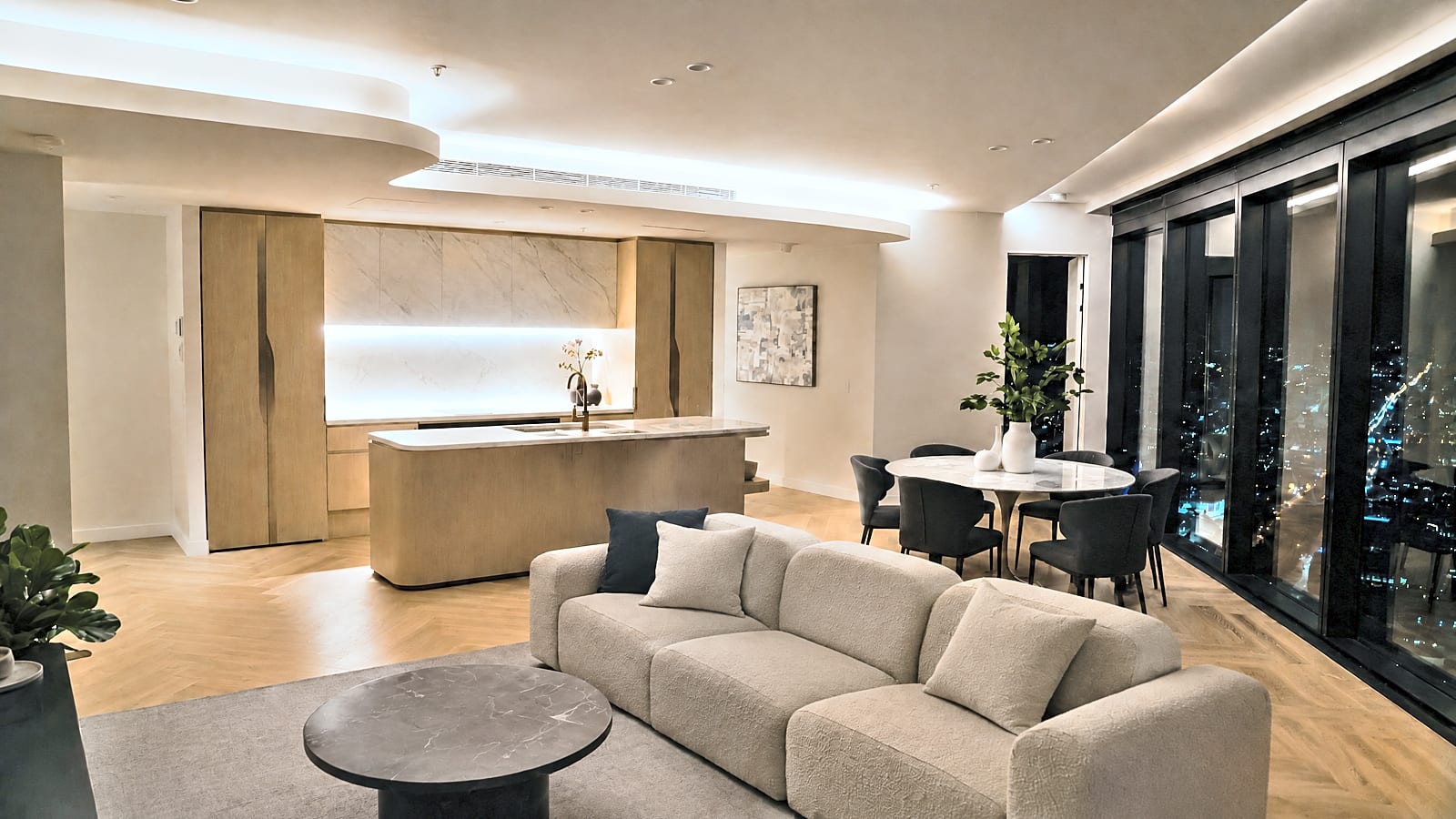 Residence 3401
 12 Larch Street
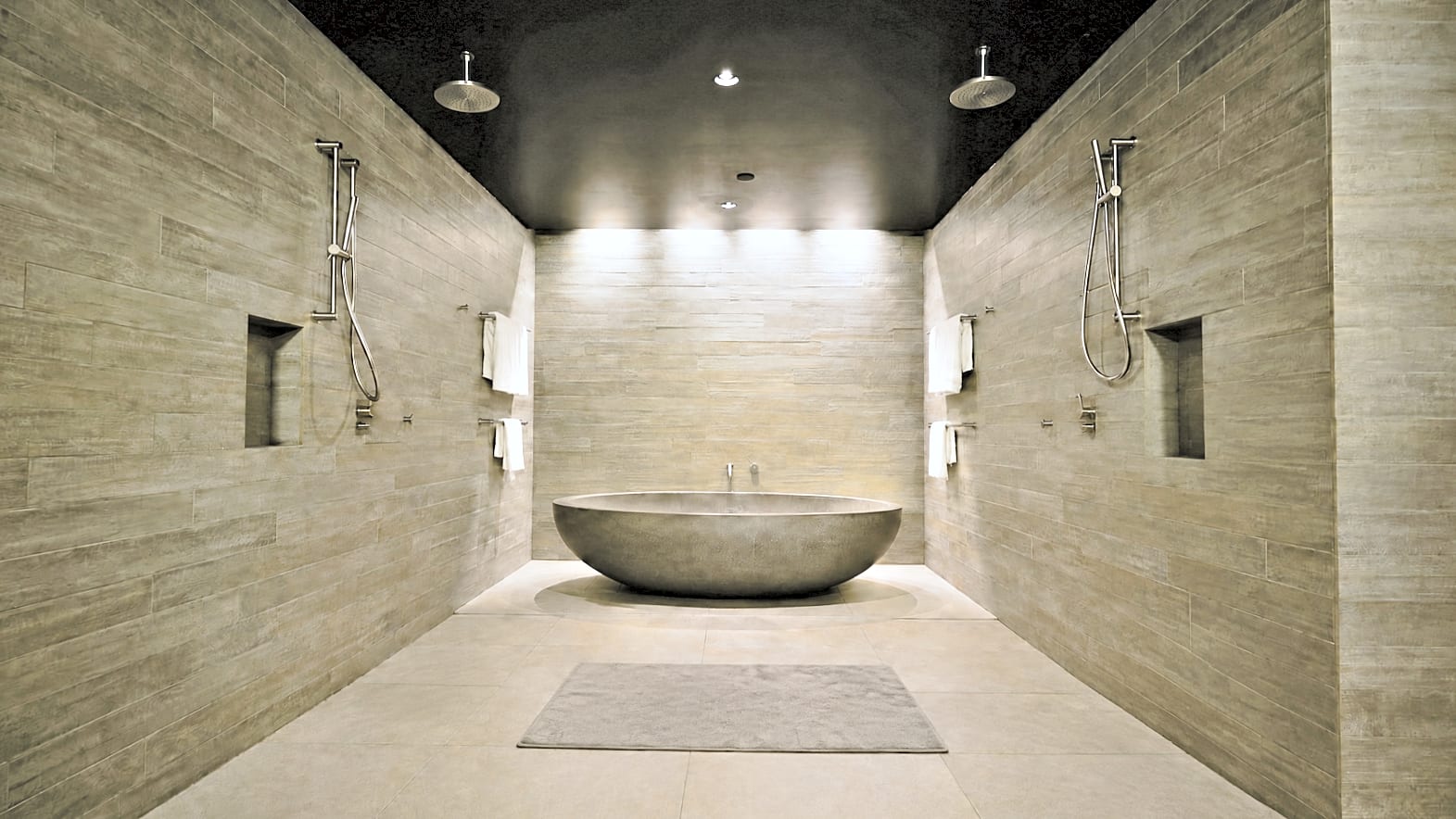 The Hill House
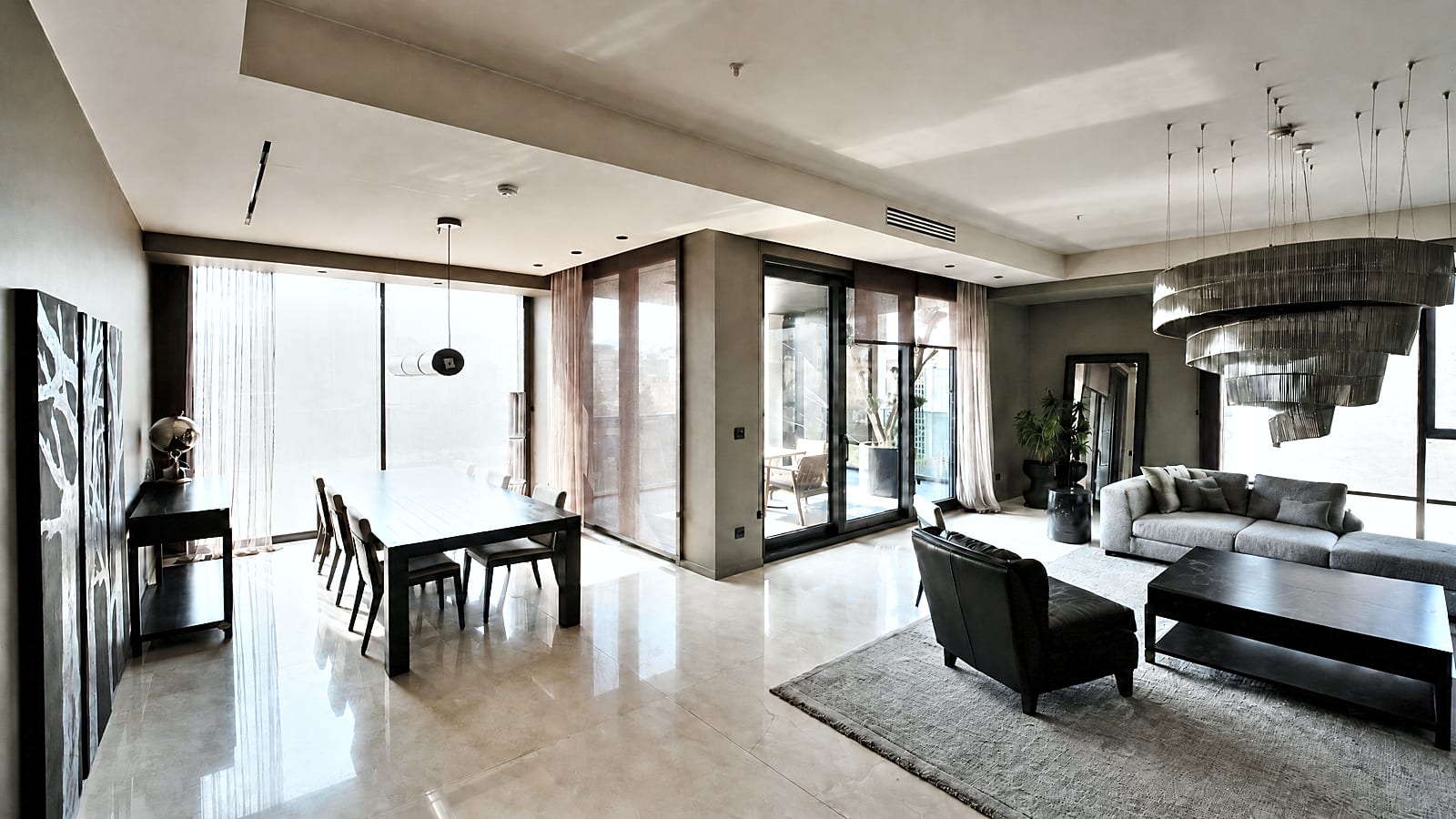
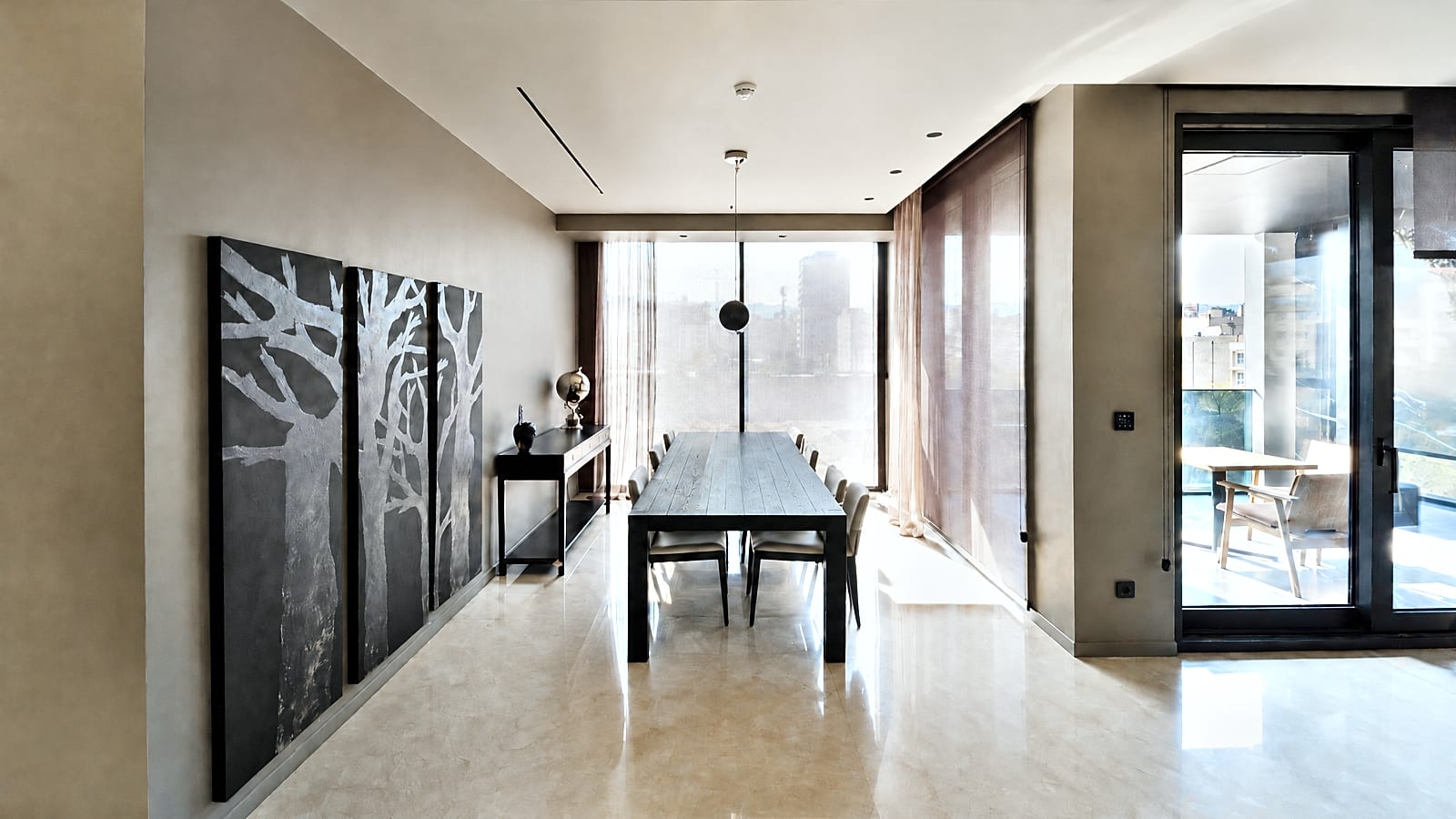
Shoot on your phone. Finish anywhere.
On site
Shoot every room
Open Glisten, start a listing and shoot. Each photo is brightened on your phone and saved privately to your account as you go, even with patchy signal.
Before you leave
Facts in, copy out
Add beds, baths and what makes it special. Your MLS remarkslisting descriptionproperty description, headline, features and captions are written and fair-housingcompliance checked in about a minute.
Wherever you are
Paste it in
On your phone: copy each field and save the numbered photos to your camera roll. At your desk: tap Send to my computer, open the same listing, reorder photos, download them all and paste into your MLSyour CRM or portal admin.
Add it to your home screen.
iPhone or iPad
- Open glistenhq.com in Safari.
- Tap Share (the square with the arrow).
- Tap Add to Home Screen, then Add.
Android
- Open glistenhq.com in Chrome.
- Tap Get the app, or the menu (⋮) then Install app.
- Glisten appears with your other apps.
Questions.
Is it in the App Store or Google Play?
Not yet. Glisten installs straight from your browser today, and works the same: full screen, camera, your listings. Store versions are on the way.
Do my listings show on my computer?
Yes. Edited photos, facts and copy are saved to your account as you go. Sign in at glistenhq.com with the same email, or tap Send to my computer in the app and open the email there.
What happens to my photos?
They're edited on your phone, then kept privately in your account so any of your devices can open them. They're deleted 60 days after you last change the listing, or as soon as you delete it. Privacy.
Can it post straight to Zillow or my MLSrealestate.com.au or DomainRightmove or Zoopla?
Not directly: listings go up through your MLSyour CRM or the portal's agent admin. Glisten makes everything ready to paste, with a Copy button on every field and the photos numbered in order.
Does it work without signal?
Yes for shooting and editing: photos are edited on your phone and upload when you're back online. Writing the copy needs a connection.